
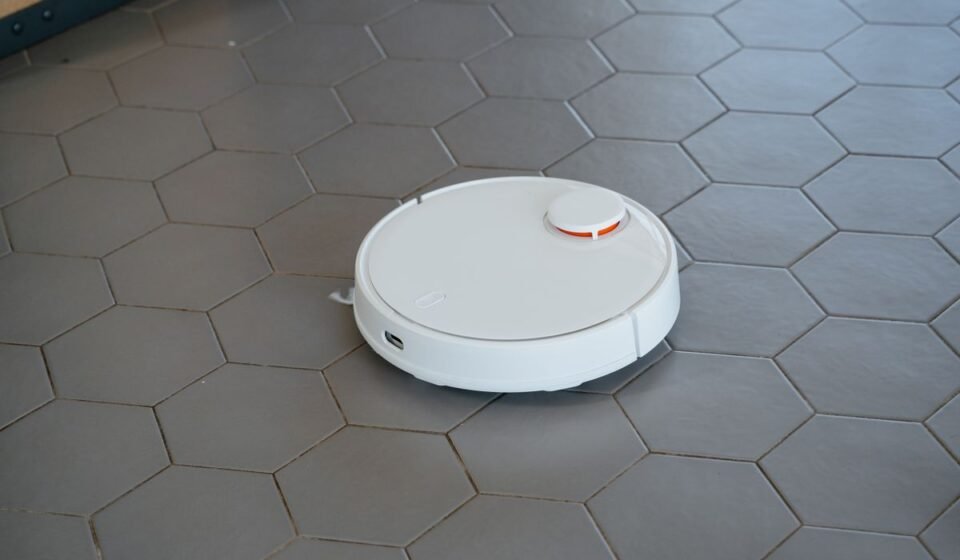

A robot vacuum can save you hours every week, but only if you buy the right one. This robot vacuum buying guide 2026 walks you through suction power, mapping, mopping, battery life and price, so you spend money once and clean floors every day without thinking about it. The market has changed fast: LiDAR navigation and self-emptying docks that cost a fortune two years ago are now available in mid-range models, while cheap models still get stuck under the sofa. Below is everything you need to check before you buy.
Table of Contents
Robot Vacuum Buying Guide 2026: Suction Power First
Suction is measured in Pascals (Pa), and the numbers matter more than the brand name. For hard floors, 2,000 to 3,000 Pa is enough for dust and crumbs. If you have carpets, look for 4,000 Pa or more, because dirt hides deep in carpet fibres. Pet owners should aim even higher and check that the brush is tangle-free, since long hair wraps around ordinary brushes in days. This robot vacuum buying guide 2026 treats suction as the first filter: a vacuum that cannot pick up dirt is useless, no matter how smart its app is.
Check whether suction adjusts automatically when the vacuum moves from hard floor to carpet. That one feature saves battery and cleans better. Also look at the dustbin size. A small bin means emptying it after every run, which defeats the point of an automatic cleaner.
Mapping and Navigation
A robot vacuum buying guide 2026 should always ask one question: does the vacuum remember your home? LiDAR models scan your rooms with a laser, build a map, and clean in neat straight lines instead of bumping around at random. Camera-based models do the same and can recognise shoes, cables and pet mess, but they cost more.
Check the app before you buy. Can you set no-go zones around the dog bowl, send the vacuum to one room only, and schedule cleaning while you are at work? Those three features are what make a robot vacuum feel automatic instead of annoying. If a model has no mapping at all, it is only worth buying for a single small room.
Mopping, Self-Emptying and Battery
Many robot vacuums now mop as well as vacuum. Basic mopping drags a wet cloth behind the vacuum, which is fine for light dust on hard floors. Better models lift the mop on carpet, vibrate the pad, or wash it at the dock. Do not expect a robot mop to replace a real mop for dried stains.
The robot vacuum buying guide 2026 test for mopping is simple: if your home is mostly hard floor, a vacuum-mop combo is worth it; if it is mostly carpet, skip the mop and spend the money on suction instead. Self-emptying docks are the most useful luxury. The vacuum empties its own bin into a bag you change once a month or two. Battery life matters less than you think: most vacuums return to the dock, recharge, and finish the job on their own.
Budget: What to Pay in 2026
Under $200, you get random navigation and basic suction. That is fine for a small flat with hard floors. Between $300 and $500, you get LiDAR mapping, strong suction and often a mopping function, which is the sweet spot for most homes. Above $600, you pay for self-emptying docks, object recognition and the best mopping. The robot vacuum buying guide 2026 advice is to buy in the middle range unless you have a large home or pets. Brands like Roborock, Dreame, iRobot and Eufy all make strong models in 2026, so compare the features above rather than the logo.
Check the official iRobot site for the latest Roomba models and prices before you decide: https://www.irobot.com/. Watch for sales around holidays, when last year’s flagship often drops into the mid-range price.
Mistakes to Avoid
Do not buy a vacuum without checking the height of your furniture — a tall vacuum will not fit under low sofas. Do not ignore replacement part costs: filters, brushes and bags add up over a year. Do not assume a robot vacuum replaces deep cleaning; it keeps floors tidy between proper cleans. Finally, measure your door thresholds. Some vacuums struggle with steps over 2 cm, and a vacuum that cannot enter a room is just an expensive ornament. If you are building a smart home, read our guide on how smart locks and video doorbells are changing home security in 2026: https://thinkforges.com/how-smart-locks-and-video-doorbells-are-changing-home-security-in-2026/
Quick Checklist Before You Buy
Use this checklist in the shop or on the product page. First, check suction in Pascals and match it to your floors. Second, confirm the vacuum maps your home and supports no-go zones. Third, check the dustbin size and whether a self-emptying dock is included. Fourth, measure the vacuum’s height against your lowest sofa. Fifth, look up the price of filters and brushes so running costs do not surprise you. Sixth, confirm the app works on your phone and supports schedules.
If a model passes all six checks, it is a safe buy. If it fails two or more, keep looking — a cheaper model that fits your home beats an expensive one that does not.
Final Verdict
The right robot vacuum is the one that matches your floors, your pets and your budget. Follow this robot vacuum buying guide 2026: pick strong suction for carpet, LiDAR mapping for large homes, and a self-emptying dock if you hate emptying bins. Buy in the $300 to $500 range for the best value, and check the app features before you pay. Your floors will thank you every single day.